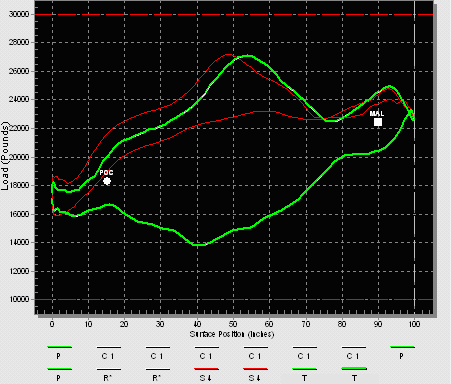
Use the card plot area to view a selected dynagraph card, to graphically illustrate load versus position data. Load (in pounds) is plotted on the vertical axis. Surface position (in inches) is plotted on the horizontal axis. See Viewing Cards for more information.
Many, but not all, of the Dynagraph Viewer menu options are also available from the context menu. To access the application’s context menu, right-click anywhere in the card plot area graph. See Context Menu for more information.
|
|
|

